Advin HD camera System About
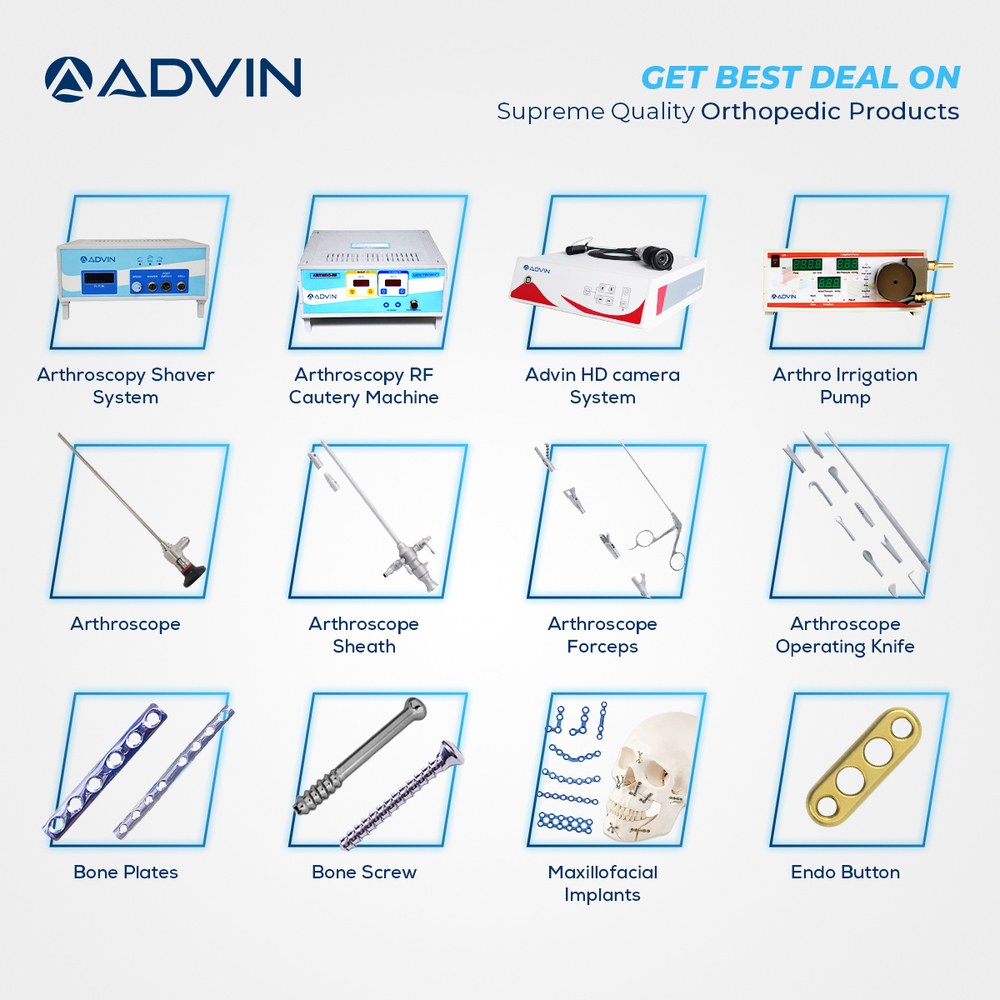
The Advin HD Camera System provides superior image clarity, ensuring clear vision during all surgical procedures.
Built to international standards, the system delivers accurate and reliable results to support precise clinical performance.
Advanced Features:
Portable and convenient
Good quality image
Attachable with all endoscope
Suitable For All Endoscopic Procedure
Full HD Video Quality
Touch Screen Model
High-Definition Imaging for PrecisionThe Advin HD Camera System ensures exceptional visual clarity through its 1/3" CMOS HD sensor, providing full 1080p resolution up to 60 frames per second. Its integrated wide-angle lens and adjustable settings optimize imaging for critical surgical and diagnostic tasks, offering reliable performance in hospital and clinic environments.
Versatile Connectivity and StorageWith multiple output interfaces such as HDMI, USB, and video out, this camera system easily integrates with LCD and LED displays for real-time viewing. Data storage is facilitated via USB or external memory, enabling efficient archiving and easy access to medical imaging, enhancing workflow and documentation.
Convenient Operation and ControlAdvin's HD Camera System offers both remote and panel controls for seamless adjustments, with auto/manual focus and white balance options. It supports wall mounting, is lightweight and portable, and operates efficiently within standard medical temperature and humidity ranges, making it suitable for a variety of clinical set-ups.
FAQ's of Advin HD camera System:
Q: How do I connect the Advin HD Camera System to display monitors for live viewing?
A: You can connect the Advin HD Camera System to LCD or LED monitors using its HDMI, USB, or video out interfaces. Simply select the appropriate cable and connect the output port of the camera system to the input port of your monitor for real-time viewing.
Q: What is the process for storing images and videos captured by the camera?
A: Images and videos captured by the Advin HD Camera System are stored using USB or external memory support. You can plug in a compatible USB drive or external storage device into the system's USB port to quickly and securely archive imaging data.
Q: Where can the Advin HD Camera System be used effectively?
A: The Advin HD Camera System is designed for use in hospitals, clinics, and other medical facilities. Its portability and wall-mountable design make it suitable for various clinical settings, including surgical suites and diagnostic rooms.
Q: When should the camera's auto/manual focus and white balance settings be adjusted?
A: Utilize auto focus and white balance for general applications, and switch to manual adjustments when precise control over imaging is required, such as under specific lighting conditions or for specialized medical procedures.
Q: What benefits does the wide-angle lens provide during medical imaging?
A: The integrated wide-angle lens enables a broader field of view, ensuring comprehensive visualization of surgical or diagnostic areas, which assists medical professionals in obtaining accurate and detailed images during procedures.
Q: How can I ensure optimal storage and maintenance of the camera system?
A: To maintain optimal performance, store the Advin HD Camera System in a dry and dust-free environment. Follow the manufacturer's instructions to prevent exposure to moisture and extreme temperatures, preserving its functionality and longevity.
Q: What are the advantages of real-time image capture and video recording with this system?
A: Real-time image capture and video recording allow clinicians to immediately document procedures and diagnostic findings. This improves workflow efficiency, supports detailed case reports, and facilitates easy sharing and review of medical data.

 Send Inquiry




 Send Inquiry

 Send Inquiry
 English
 Spanish
 French
 German
 Italian
 Chinese (Simplified)
 Japanese
 Korean
 Arabic
 Portuguese